YOUR AI IMAGE WORKBENCH
Find the look.
Make it yours.
Discover image styles, turn visual references into detailed prompts, and get practical guides for the edit you have in mind.
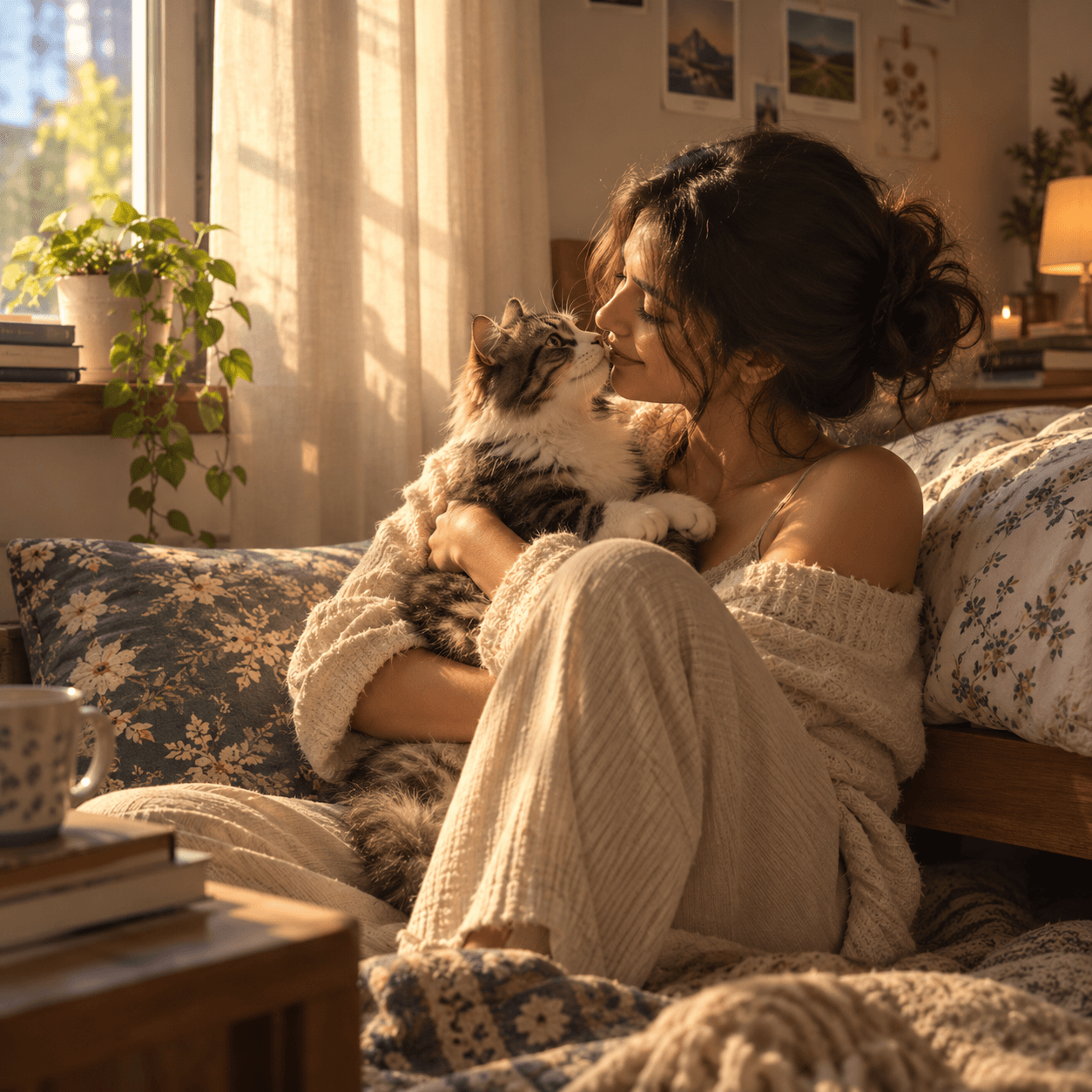 Reference
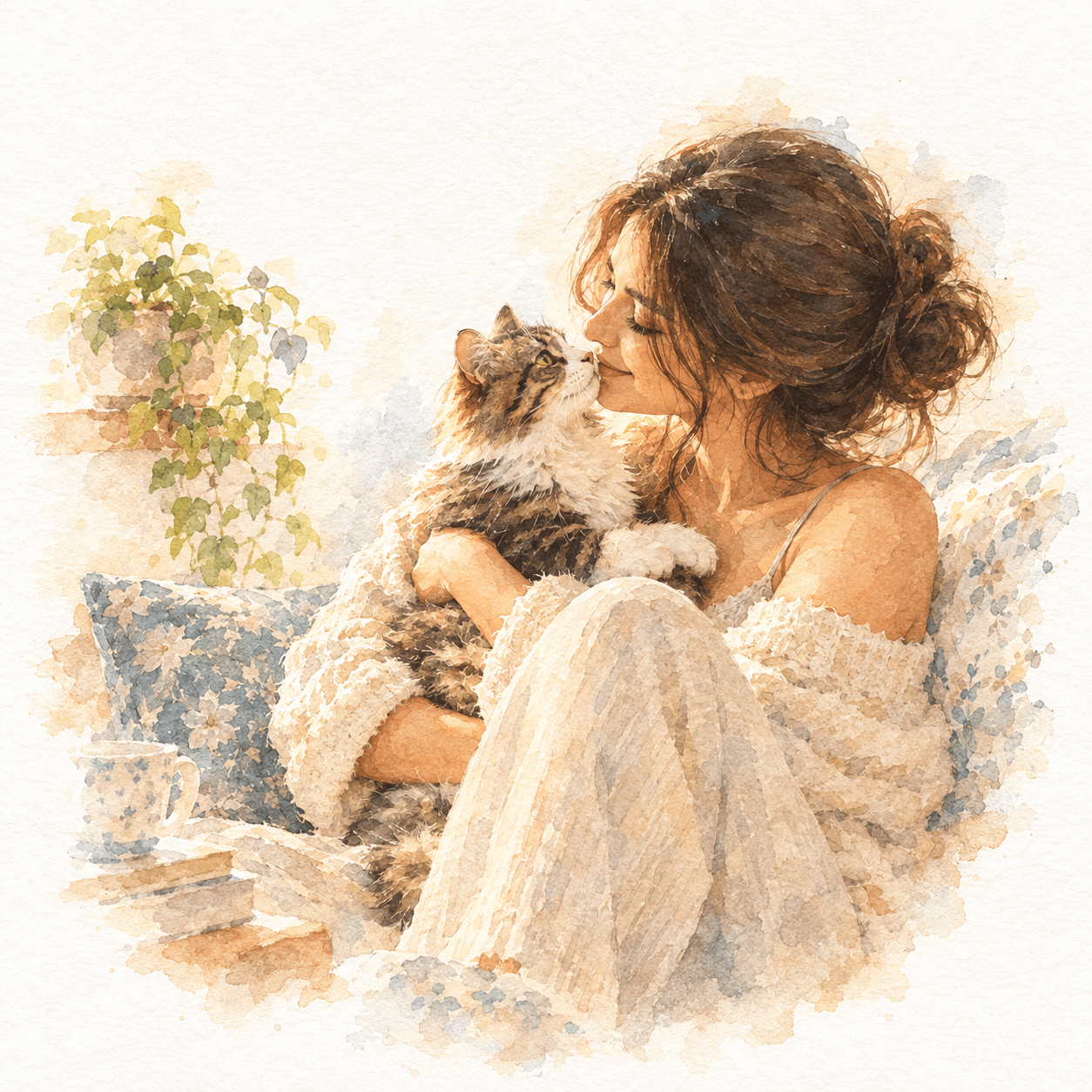 New direction
Watercolor painting style, soft diffused lighting, delicate brushstrokes with visible texture, muted color palette with subtle washes..
A clear creative workflow
Start with what you have.
Browse an idea, analyze a visual reference, or jump straight to a focused image-editing guide.
Browse image styles
Explore before-and-after examples and copy prompts from the growing library.
Open prompt libraryAnalyze a reference
Upload an image to capture its visual style or describe the whole scene.
Open prompt generatorFind an editing guide
Get ready-to-use prompts for targeted edits, from portraits to backgrounds.
Explore prompt guidesFrom the library
Real edits. Ready-to-use prompts.
See what a prompt can do, compare the result, and take the creative direction with you.
Prompt guides
A good starting point for every edit.
Choose a goal to find practical examples and prompts you can adapt to your image.
Change background
Move a subject into a new scene with natural light and perspective.
Explore guidePortrait enhancement
Polish portraits, sharpen details, and create a professional headshot.
Explore guideRemove elements
Clear distractions and unwanted objects from an image.
Explore guideCreative mood
Give a photo a cinematic grade or a new lighting atmosphere.
Explore guideOne image can spark a hundred ideas
Bring a reference. Leave with a direction.
Turn the details you love into a prompt you can reuse, refine, and make your own.